When to use this tool
- Small photos
- Product listings
- Real estate images
- Screenshots and scans
AI image tool
Turn a small or compressed image into a larger, cleaner version while keeping the original framing, colors and composition.
JPG, PNG and WebP · up to 10 MiB · 1536 px maximum output edge
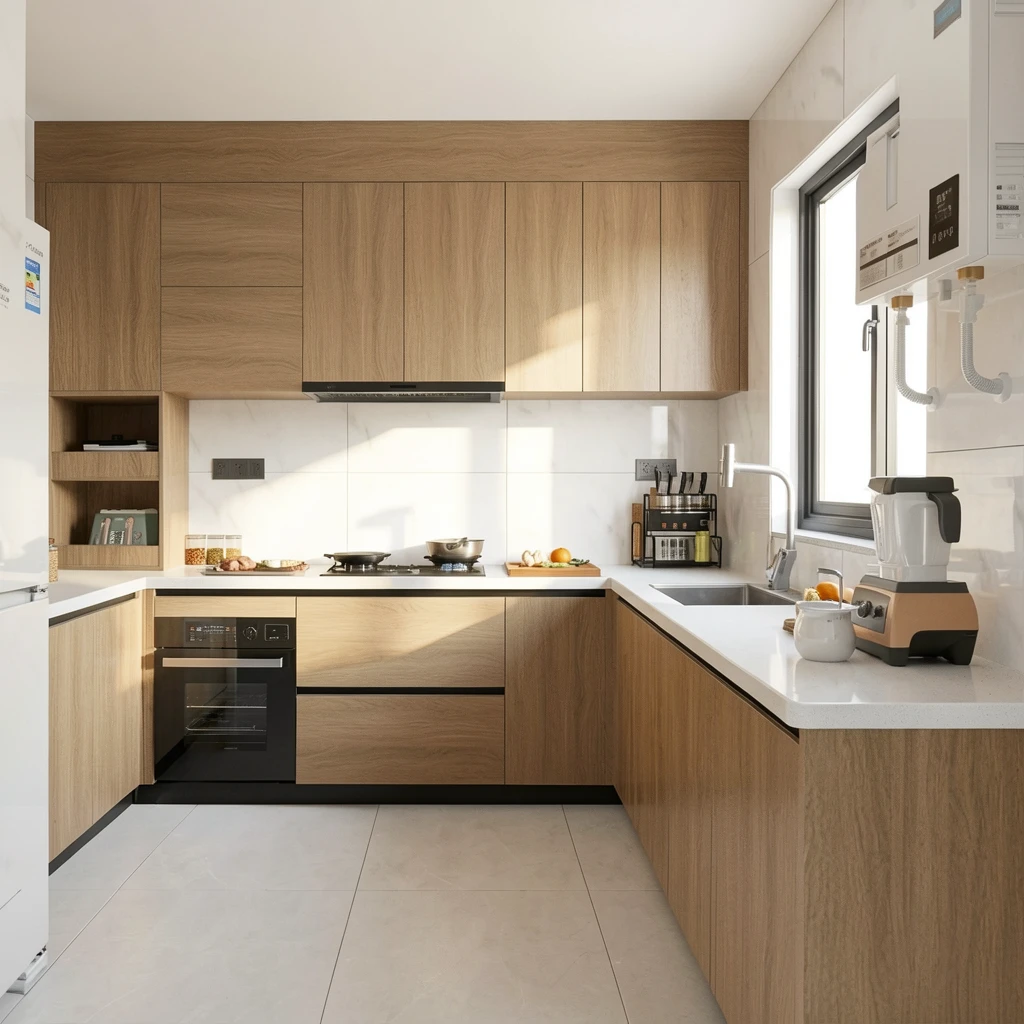
It generates a larger version of an image while reconstructing plausible edges and texture. It is useful for low-resolution photos, screenshots and product images, but it cannot recover detail that was never captured with certainty.
You can compare the illustrative example without an account. Processing your own image requires sign-in and uses 1 credit per task. Your allowance is shown before you submit.
The enhancement preset asks the model to keep the composition, framing, colors and subject identity unchanged. Always review faces, text and fine product details before publishing.