When to use this tool
- Product photos for a shop listing
- Profile pictures and team pages
- Cutouts for design mockups
- Objects that become stickers or assets
AI image tool
Cut the subject out of a photo and keep it on transparency, at the pixel size you uploaded. The example below runs free, without an account.
JPG, PNG and WebP · up to 10 MiB and 16 MP · transparent PNG at the original size
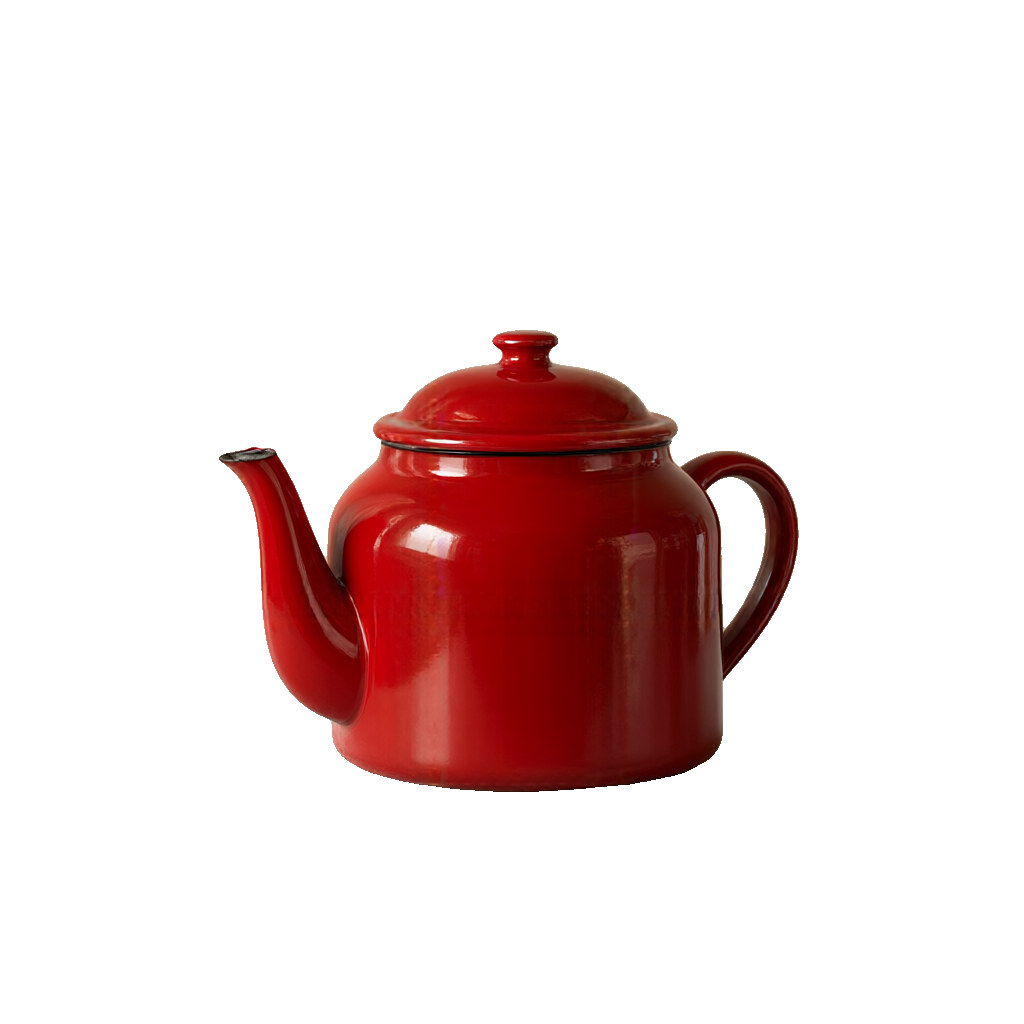
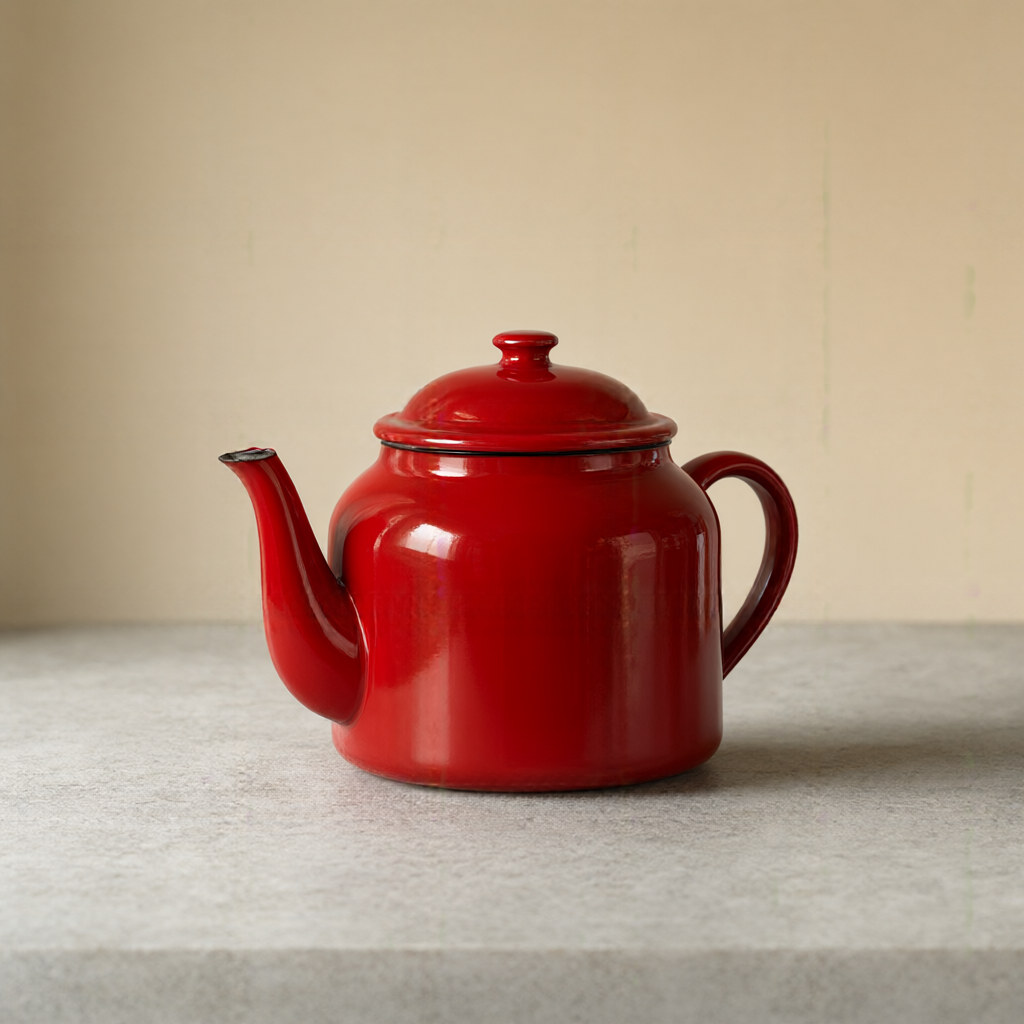
No. The cutout keeps the pixel dimensions of the file you uploaded and only changes what is behind the subject — the output is a PNG with an alpha channel.
Yes. The API accepts a background colour for the same tool, so a product shot can come back on white without a second step. The studio currently returns transparency.
One clear subject with an edge you can already see: a product on a plain surface, a person against a wall, or an object on a table. Busy backgrounds and see-through materials are harder.
Two: the file is capped at 10 MiB and the picture at 16 megapixels (for example 4928 × 3264), which comfortably covers a 12 MP phone photo and 4K or 5K screenshots. A phone's 48 MP high-resolution mode is over both limits, so the studio measures the picture when you pick it and tells you before anything is submitted.