When to use this tool
- Choosing a look before an event
- Bridal and party previews
- Beauty content and look boards
- A reference photo translated onto your own face
AI beauty tool
See a makeup look on your own face before you commit to it. Six looks, three intensities, one instruction: only makeup is added — the face, its shape, the eye shape and colour, the expression, the hair, the clothing and the background stay as they are.
1–2 images · JPG, PNG or WebP up to 10 MiB each · about a minute · 1 credit per task
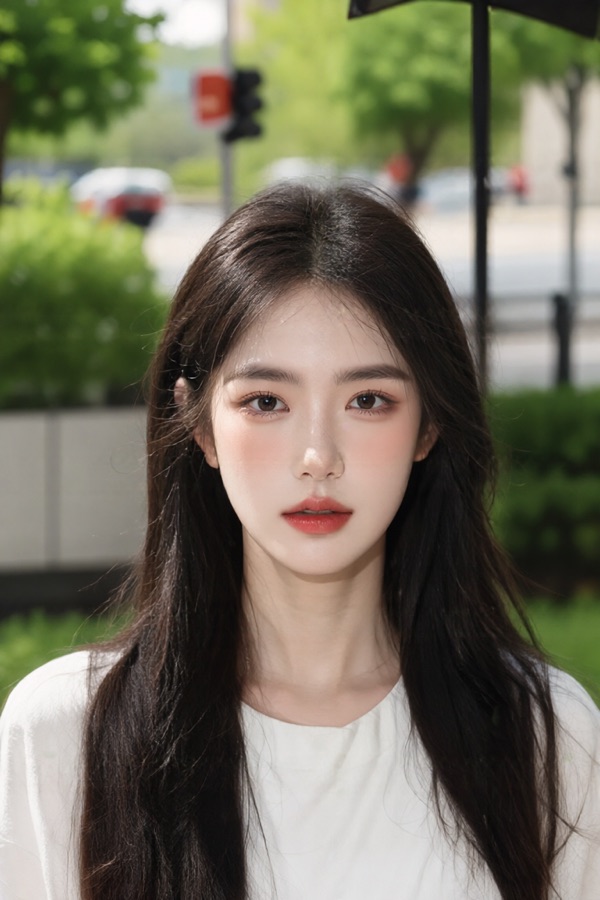
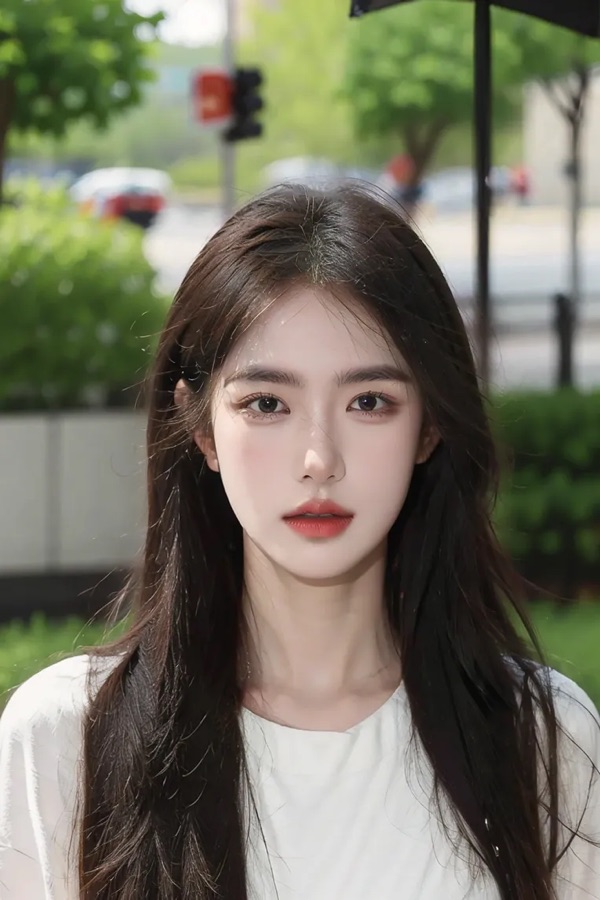
No. The instruction adds makeup and forbids everything else: identity, facial features, face shape, eye shape and colour, nose, jaw, chin, expression, gaze, hairstyle, hair colour, clothing, pose, framing, crop, background and the original lighting all stay. As with any generative tool, compare the result with the original.
Six: soft everyday, Korean dewy, full glam evening, bridal, warm latte and retro. Each one is a fixed recipe of base, contour, blush, brows, eyeshadow, eyeliner, lashes and lip, so the same look gives a comparable result on different photos.
It is an optional makeup reference. The model matches its colour palette, finish and placement of the makeup onto your face — useful when you have a photo of the look you want rather than just a name for it.
Each file is capped at 10 MiB and must be JPG, PNG or WebP. There is no pixel ceiling; references are scaled down inside the service before rendering.