When to use this tool
- Shop listings on a human model without a shoot
- Lookbooks and outfit previews
- Marketplace listings for a single garment
- Checking a purchase against a product photo
AI fashion tool
Upload two photos — the person, then the garment on its own — and get the same person wearing it. The model reproduces the garment’s colour, fabric, pattern, seams and length, and is asked to leave the face, hairstyle, pose, body proportions and background exactly as they were.
2 images · JPG, PNG or WebP up to 10 MiB each · about a minute · 1 credit per task
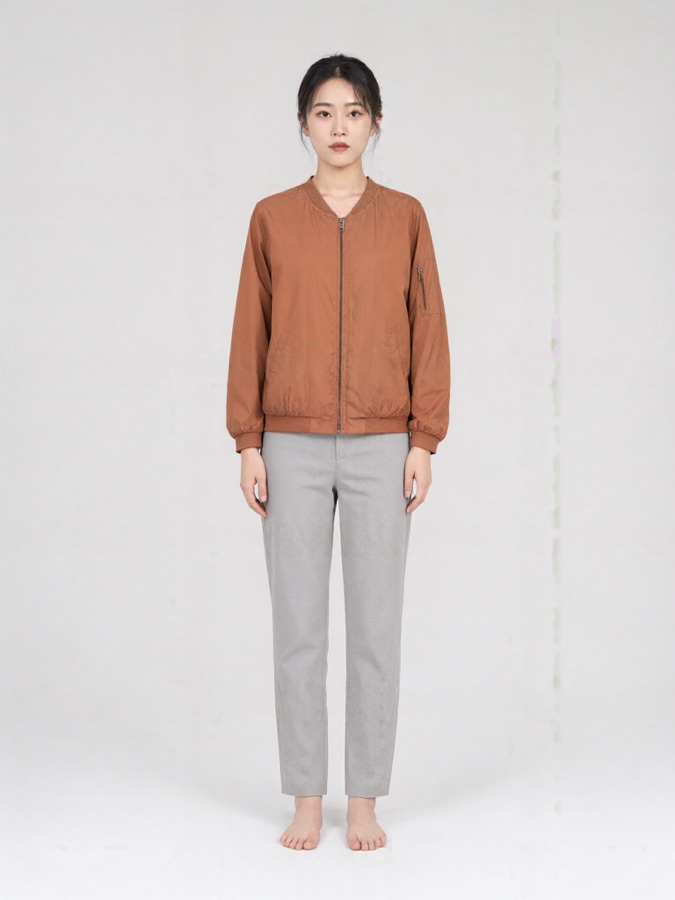
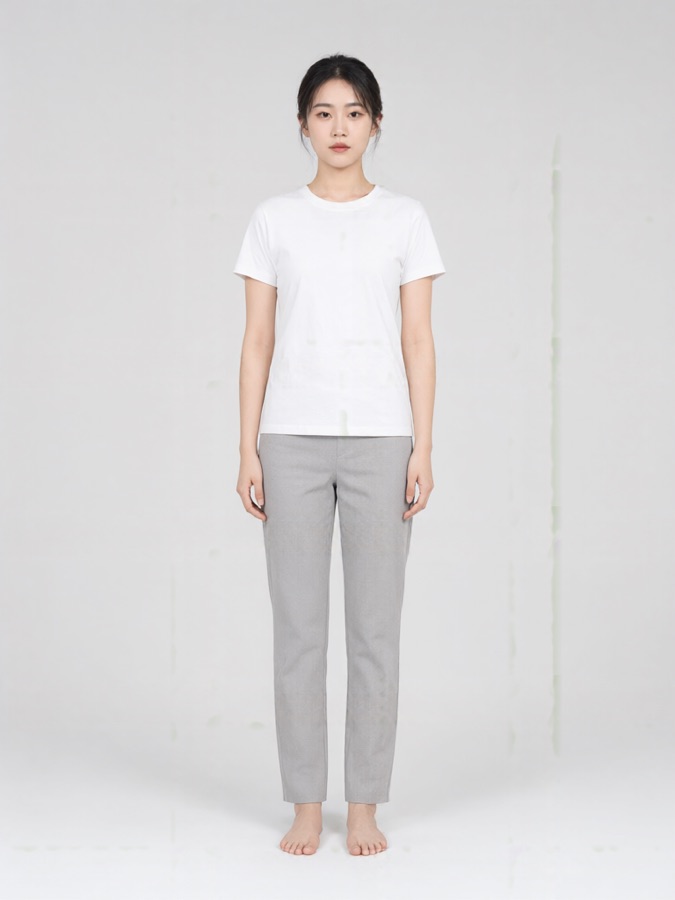
The first is the person, ideally standing and facing the camera with even light; the second is the garment on its own, like the product shot from a shop. The order is fixed — the first image is the body, the second is what it wears.
The prompt asks the model to keep the face, hairstyle, skin tone, body shape, pose and background unchanged, and to change only the clothing. Because it re-renders the whole frame, small differences in hair, hands or background detail are possible, so review the result at 100% before you use it.
One garment reference is read per task, so pick what that garment covers: a top keeps the trousers or skirt, a dress replaces the whole outfit, and the outfit setting treats the reference as a complete top-and-bottom set. Two separate pieces need two tasks.
Each file is capped at 10 MiB and must be a JPG, PNG or WebP. There is no pixel ceiling here — the references are scaled down inside the service before the frame is rendered.